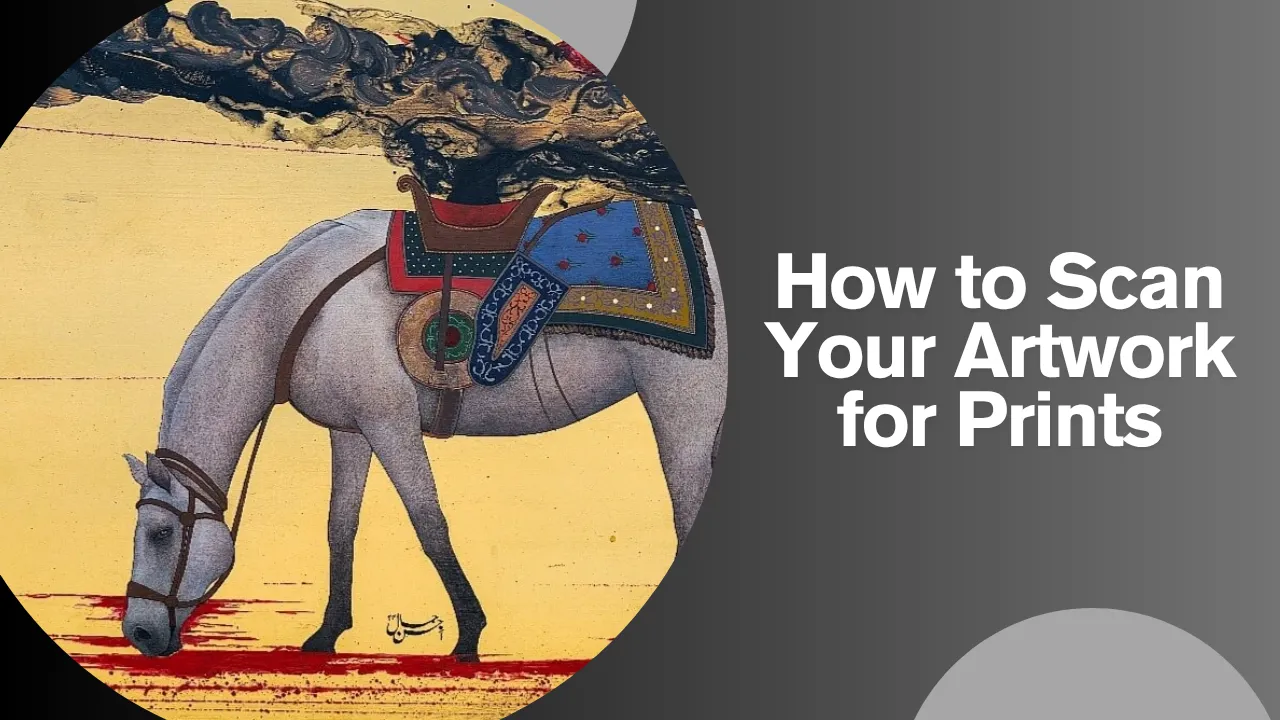
How to Scan Your Artwork for Prints

How to Scan Your Artwork for Prints?

Why Scanning Your Artwork Properly Matters

If you want to turn your original paintings or drawings into prints, the way you scan them is extremely important. A good scan keeps the colors accurate, the details sharp, and the overall feel close to your original piece. This matters whether you plan to sell prints, showcase them alongside other curated artworks, or use them for online promotions.


Step 1: Choose the Right Scanner

For most artists:

  • Use a flatbed scanner for drawings, sketches, watercolors, and small to medium-sized artworks.
  • For large canvases or textured paintings, scan in sections and merge them digitally, or consider a professional scanning or photography service.

Avoid casual phone photos if you want serious, professional-quality prints.


Step 2: Prepare Your Artwork

Before scanning:

  • Gently dust the artwork to remove particles.
  • Make sure the piece is flat on the scanner glass.
  • Clean the scanner glass to avoid smudges and marks.

A clean setup means a cleaner file and less editing later.


Step 3: Use the Correct Scan Settings

Resolution (DPI)

  • 300 DPI – Minimum for standard prints.
  • 600 DPI – Recommended for detailed work, fine lines, or if you may crop or enlarge.

Color Mode

  • Use RGB, 24-bit color for digital use and most printing workflows.

File Format

  • Save as TIFF for a high-quality master file.
  • PNG is also fine if TIFF is too heavy.
  • Avoid using only low-quality JPEG as your master file.


Step 4: Scan Your Artwork

  • Place the artwork straight on the glass.
  • Preview and crop close to the edges of the piece.
  • Scan once with your chosen settings and save this as your master file.
  • For larger works, scan overlapping sections and merge them carefully in editing software.


Step 5: Basic Editing for Print

Open your scan in an editing program and:

  • Adjust brightness and contrast slightly to match the original.
  • Fix color balance so the digital file looks as close as possible to your artwork.
  • Crop and straighten the edges.
  • Remove dust spots or scanner marks with a soft touch.

The goal is accurate reproduction, not changing the artwork.


Step 6: Create Print-Ready Files

Export:

  • A high-resolution master (TIFF/PNG, full size, 300 DPI).
  • Separate print-ready files in the required sizes (e.g., A4, A3), still at 300 DPI.

This lets you reuse your scan for different print formats without rescanning.


Step 7: Presenting Your Prints Professionally

Once you have clean digital files and quality prints:

  • Use tasteful framing to match your work. Solid, well-finished options like wooden frames in Lahore can enhance the final look.
  • Curate your prints alongside original paintings in Lahore and other artworks to maintain a gallery-level aesthetic.


When to Get Help

If your work is large, heavily textured, or meant for limited edition, gallery-standard prints, consider professional assistance. Artists or collectors looking for guidance, collaboration, or display options can reach out directly via the contact page.

By following these simple steps, you can scan your artwork for prints in a way that respects every detail of your original and prepares it for professional presentation, sales, or exhibitions.
Share the Post:

Related Posts

July 4, 2024

The Fascinating World of Abstract Art: Understanding Its Origins and Significance

Abstract art, a genre that emphasizes non-representational forms and colors, has captivated audiences and art
July 4, 2024

The Evolution and Impact of Contemporary Art

In the dynamic realm of art, contemporary art stands as a testament to the ever-evolving

March 19, 2024

Navigating the History and Significance of Contemporary Art

In the vast and ever-evolving landscape of artistic expression, contemporary art stands as a vibrant